Product Strategy
Building the Layer Above AI Tools
An AI Work OS designed to help independent experts manage AI-assisted work.
Role
Head of Product Design
Duration
Ongoing
Team
Product Design, Strategy
Overview
AI is making it easier to generate work.
That does not automatically make it easier to deliver outcomes.
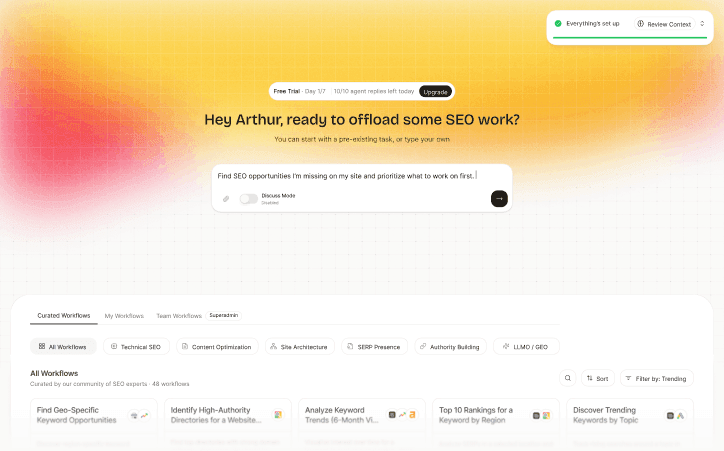
This case study explores the product direction behind an AI Work OS: a workspace where independent experts and marketing professionals can delegate work to AI teammates, supervise execution, reuse workflows, connect tools, and package expertise into shareable workflow apps.
The core idea:
When AI tools change weekly, users need the layer above the tools.
The AI market is moving quickly.
New models, agents, automation tools, coding assistants, workflow builders, and vertical AI products appear constantly.
Marketing professionals, consultants, freelancers, and boutique agencies can now use AI to do more than write copy or summarize documents. They can use AI to run analysis, monitor changes, produce reports, inspect opportunities, and coordinate work across tools.
But there is a catch.
More tools do not automatically mean more leverage.
For many users, the AI tool landscape creates a new kind of overhead: evaluating tools, connecting them, learning them, replacing them, checking their outputs, and stitching everything together.
The opportunity was to design above that layer.
The users
The strongest user lens centered on independent professionals, solo freelancers, consultants, boutique agency owners, and expert operators.
These users have a few important traits:
- they own outcomes
- they adopt tools quickly
- they already use many tools
- they care about reputation
- they need leverage, not more admin
- they can often make purchasing decisions without heavy organizational friction
The product thesis
The product thesis became clear:
AI should help experts move from doing every task manually to managing AI-assisted work.
That shift changes the product shape.
A traditional tool helps the user perform an action. A workflow product helps the user complete a process. An AI Work OS helps the user coordinate work across teammates, tools, context, and outputs.
The user stays in the manager seat.
My role
Leading design for this product direction meant helping turn a broad vision into concrete product surfaces and decisions.
The work connected product strategy, user research, workflow design, CUX, role-specific workspaces, workflow discovery, tool orchestration, monitoring, and shareable workflow concepts.
The main challenge was not only designing screens.
It was giving shape to a new behavior before users had perfect language for it.
Product principle 1: Start with a real role
A generic AI workspace can sound flexible, but users rarely adopt abstractions.
The product needed to feel specific enough to be trusted.
The initial wedge focused on marketing roles, especially SEO and content. That gave the experience a real professional context: familiar workflows, terminology, data sources, outputs, and success criteria.
A role-specific workspace can make the user feel:
This product understands my work.
That matters in AI. Trust is not built only by model quality. It is also built by relevance.
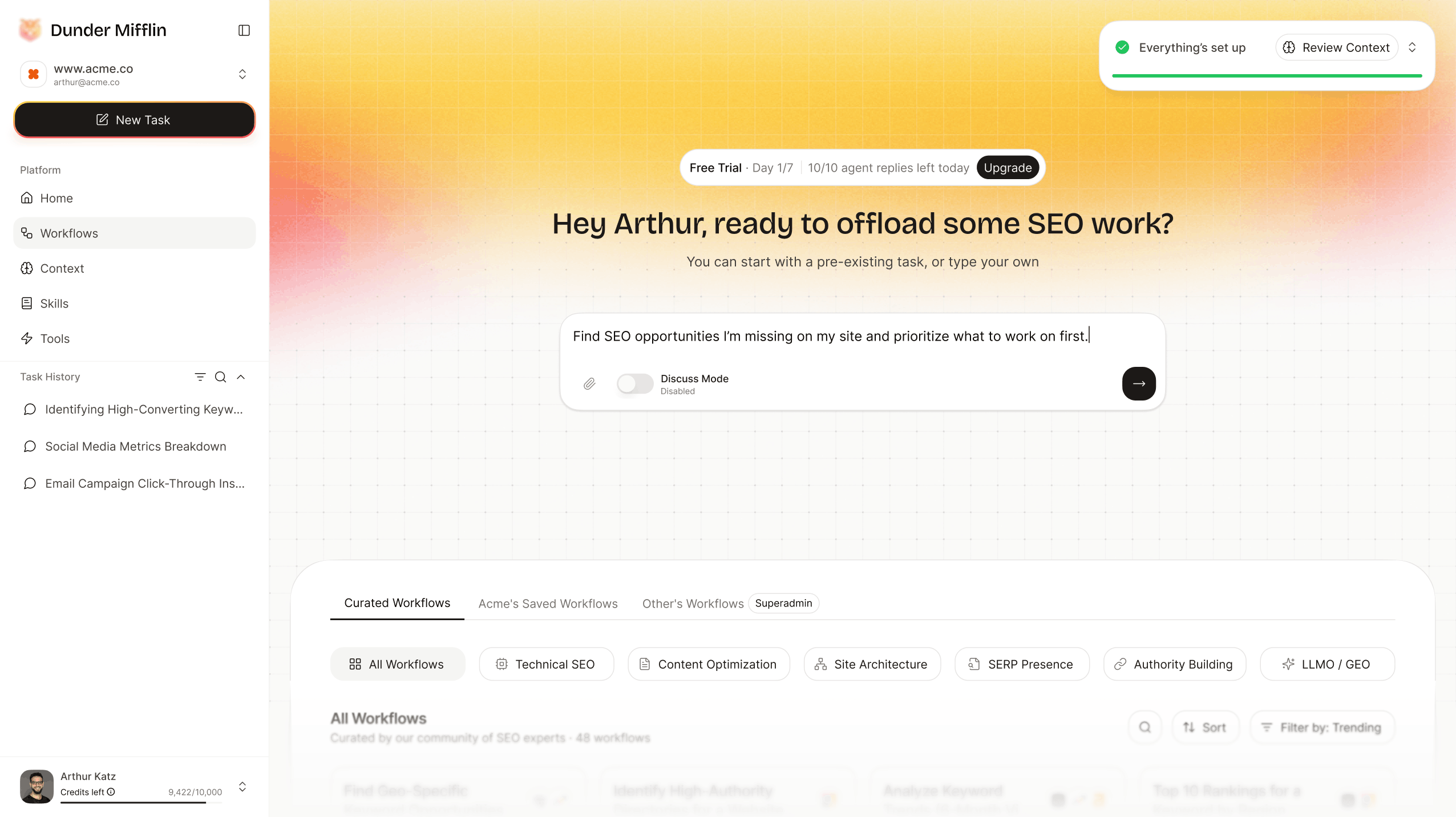
Product principle 2: Workflow discovery is part of UX
Many automation products assume users already know what to automate.
In reality, users often know the feeling before they know the workflow.
They know they are busy. They know work repeats. They know AI could probably help. They do not always know which workflow to run, how to describe it, or what tools it should use.
So workflow discovery became a core experience, not just a content layer.
The product needed to help users understand:
- what can be delegated
- why it matters
- what output to expect
- what data or tools are needed
- how much effort it may save
- whether the workflow is worth trusting
Product principle 3: Hide tool management, not control
The product was never about replacing every tool.
It was about reducing the overhead of managing them.
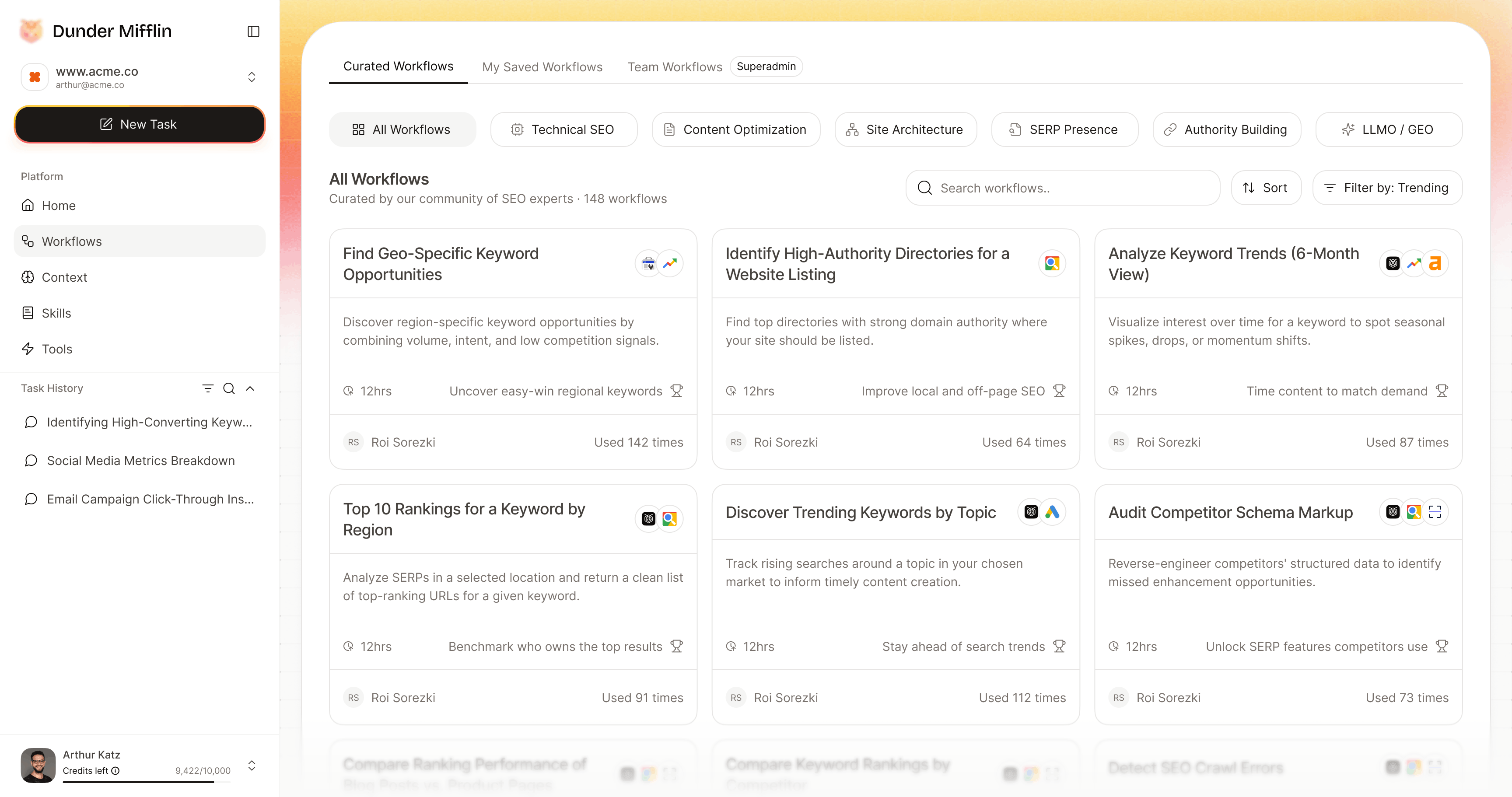
A workflow might use multiple data sources and execution tools. The user should not have to think about each one separately. But they still need visibility and permission.
So the design principle became:
Tool management should disappear. User control should not.
This shaped several parts of the experience:
- workflows are activated from the workspace
- tools appear in context, when needed
- data access is explicit
- authorization uses clear checkpoints
- outputs explain where relevant information came from
- better tools can be swapped in without forcing the user to rethink the workflow
Product principle 4: Human plus teammate
The product direction stayed grounded in a human-first belief:
AI should amplify experts, not erase them.
That belief affected the whole system.
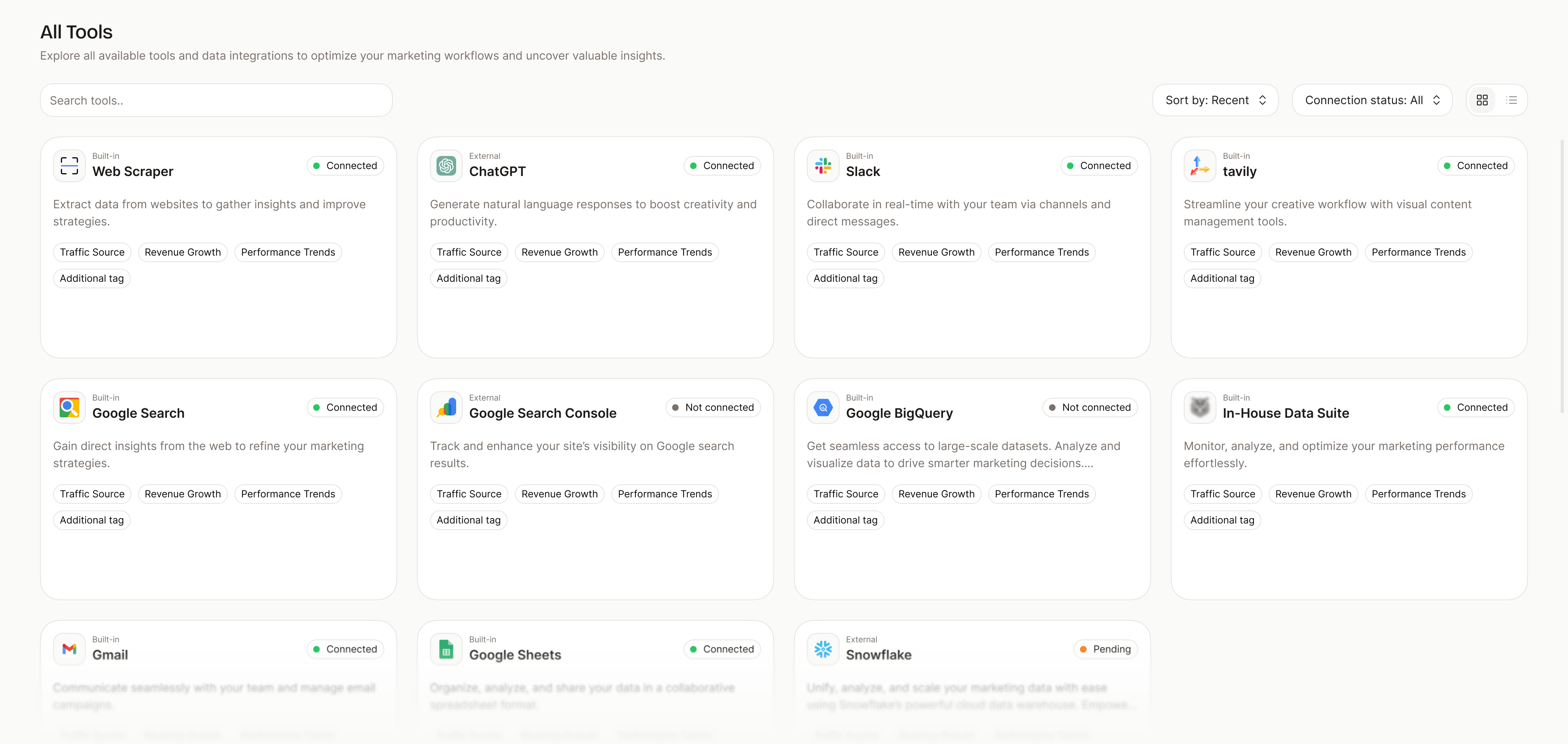
The AI teammate can do a lot: audit, recommend, plan, execute, monitor, summarize, and suggest next steps.
But professional work still needs judgment, feedback, accountability, and sometimes taste. Especially when the output affects a client, a campaign, a report, or a business decision.
So the experience avoids framing the AI as fully autonomous magic.
The better framing is teammate.
Product principle 5: Reusable work compounds
A single AI output can save time.
A saved workflow can create leverage.
A scheduled workflow can become operations.
A shareable workflow app can become productized expertise.
That progression became a major part of the product vision.
For independent experts, this is especially interesting. Their expertise is often trapped inside private processes: audits, decks, docs, spreadsheets, client calls, and repeatable consulting work.
AI creates a new possibility: package some of that process into reusable workflows others can run.
Product architecture
The AI Work OS can be understood as a few connected layers:
Measuring success
Because the product explores a new work model, success needs to be measured through adoption, trust, activation, and repeat use.
Some of the validation targets:
- adoption from the first 2-5 design partners
- 65% of users reporting time saved from consolidated insights
- 70% of users completing onboarding with minimal guidance
- 85% of integrations functioning without issues
- at least 40% of design partners adopting within the first month and engaging weekly
- 50% of users returning to activate another workflow within 30 days
- 20% inviting a friend or colleague
- 35% willing to subscribe or pay per activated workflow
- 55% of users who start onboarding signing up
- 35% of signed-up users becoming active
- 25% conversion from adoption to paid
Outcome
The work helped clarify the product direction from several angles:
This gave the team a clearer product language and a stronger way to evaluate roadmap decisions.
Reflection
Not every product opportunity starts as a problem.
Sometimes a new capability appears before users have the language for it. That is especially true in AI. The technology moves first. User behavior follows. Good product design helps bridge the gap.
This work sits in that gap.
AI makes it easier to generate, automate, and orchestrate work. But outcomes still need context, judgment, review, responsibility, and trust.
The interface should not remove the expert from the work.
It should give the expert leverage.
That is the idea behind the manager seat: a workspace where users can brief AI teammates, supervise execution, reuse what works, and eventually package their expertise for others.